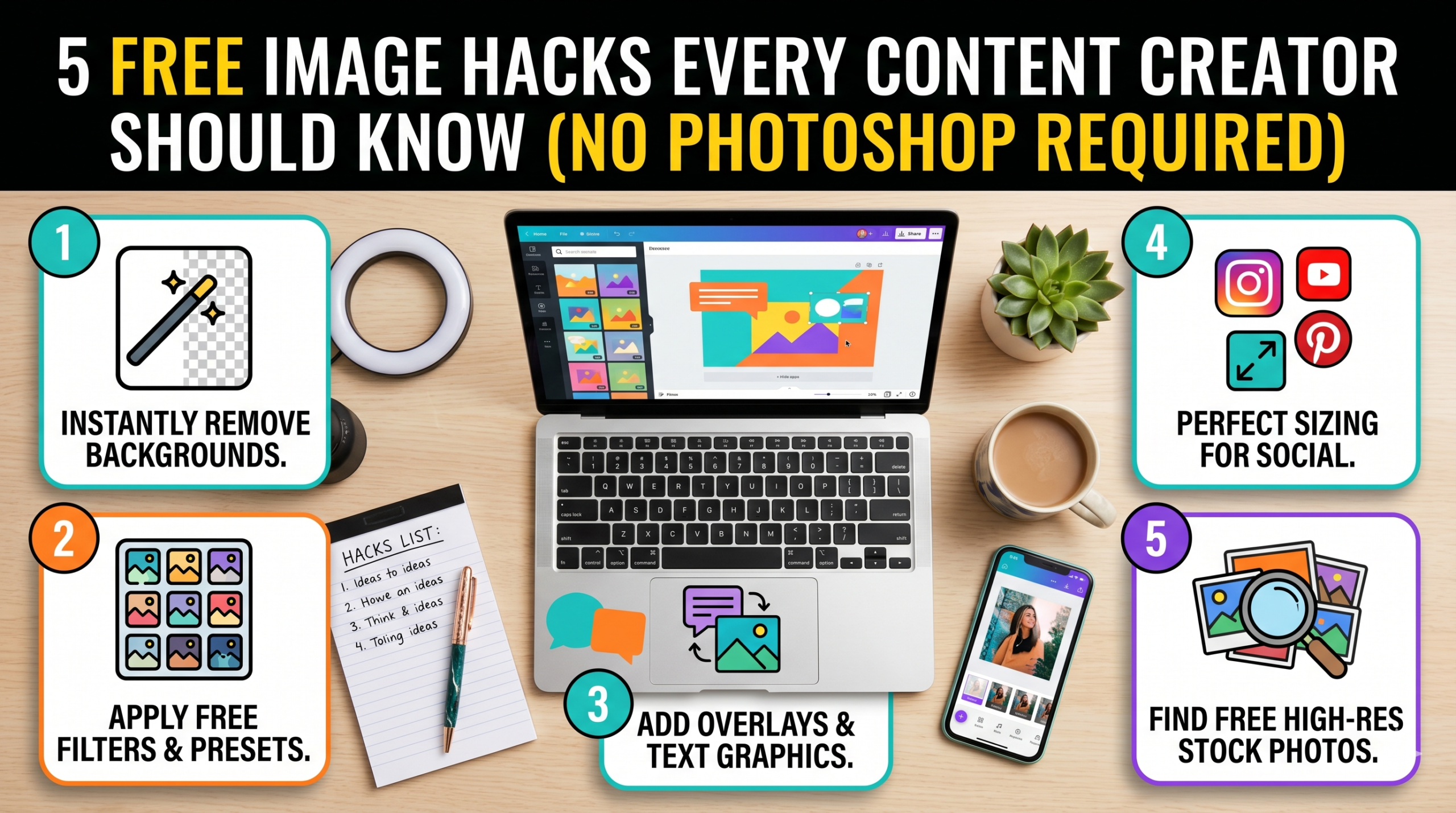
High-quality visual assets do not require expensive software subscriptions or advanced design degrees. Content creators can achieve professional results using free, browser-based tools to download reference graphics, stylize profile pictures, and edit private information in seconds. To streamline these tasks, X2X provides a suite of accessible utilities, including the YouTube Thumbnail Extractor, Image to Ghibli converter, Image Blur tool, and Color Extractor, to improve visual content immediately.
Professional content creation often demands heavy financial investments in desktop software, but the reality is much simpler for most digital needs. This post details how to execute five practical visual improvements completely free of charge. By managing thousands of daily image processing requests, X2X has gained direct visibility into the specific workflows that save digital creators the most time and money.
1. Extract High-Resolution Reference Imagery
Using the YouTube Thumbnail Extractor
Studying successful videos helps creators understand exactly what makes viewers click. The YouTube Thumbnail Extractor allows users to paste a video URL and download the highest quality version of that thumbnail instantly. This process helps you build a personal swipe file of high-performing layouts, typography, and color schemes. Many creators also use this method to grab high-resolution thumbnails for reaction videos, video essays, or review content.
Analyzing a downloaded thumbnail allows you to study the placement of text and the sizing of the subject’s face in detail. You can see exactly how top creators use high contrast to make their graphics pop against the platform’s dark background. Since trying to recreate a layout from memory often results in poor proportions, downloading the actual file provides a perfect reference template to place directly inside your editing timeline.
Bonus Tip: Group your downloaded reference thumbnails into folders based on emotion or topic. This organization makes finding inspiration much faster during the design phase of your own video production.
2. Stylize Your Brand Identity
The Image to Ghibli and Cartoon Converters
Standing out in crowded social media feeds requires a unique visual identity. The Image to Ghibli and Cartoon converters turn standard photos into stylized animated artwork. This works exceptionally well for YouTube profile pictures, podcast cover art, and community tab posts where a stylized graphic grabs attention much faster than a standard headshot. According to research published by HubSpot, 50 percent of marketers use video in their strategy, followed closely by images at 47 percent. Utilizing a cartoon or anime style gives a channel a distinct, recognizable personality that cuts through digital noise.
Many creators also prefer to maintain a level of privacy online. Using a cartoon version of your face allows you to build a personal brand without exposing your exact likeness to millions of viewers. The process requires just one step: upload a clear photograph, wait a few seconds for the artificial intelligence to process the request, and download the converted asset directly to your computer.
3. Protect Privacy Without Sacrificing Quality
The Image Blur Tool
Recording screen capture tutorials often expose private data unintentionally. The Image Blur tool lets creators obscure this sensitive information directly in the browser. Users simply upload the screenshot, select the target area, and apply the blur effect. This prevents privacy leaks without the need to open heavy desktop applications for one quick edit.
Practical applications for this tool occur daily. A tech channel might need to blur an API key during a coding tutorial, while a daily vlogger might want to blur a license plate in the background of street footage. Similarly, a product reviewer might need to obscure their home address on a shipping label during an unboxing video. Fixing these issues in the browser saves significant editing time and keeps the creative workflow moving forward.
4. Build Professional Color Palettes
The Color Extractor
Consistent colors make a brand highly recognizable across different platforms. When you find a photograph or graphic with an appealing color scheme, the Color Extractor pulls the exact hex codes from that image. You can then copy these codes into your video editing software, text titles, or website builder.
Guessing colors using a standard color wheel often results in mismatched graphics that look unprofessional. Sticking to two or three primary hex codes instead trains the audience to recognize your content immediately while they are scrolling.
Bonus Tip: Extract colors from your physical recording space or set. Use those exact hex codes for your digital text graphics to create a highly cohesive look between your physical background and your digital overlays.
5. Combine Tools for Maximum Impact
Creating a smooth workflow requires knowing how to use different utilities together for a finished product. A gaming creator, for example, might design a new channel banner by first extracting a popular competitor’s thumbnail to study the layout. Next, they could use the Color Extractor to grab the exact neon colors used in that graphic. Finally, they can upload a photo of themselves to the Image to Cartoon tool and apply those exact neon colors to the text surrounding their newly stylized avatar.
To understand why browser-based utilities offer a strong alternative to traditional software, review the comparison below.
| Feature | Desktop Editing Software | Browser-Based Free Tools |
|---|---|---|
| Financial Cost | High monthly subscription | Completely free |
| Speed to Edit | Slow loading times | Instant processing |
| System Load | Requires heavy RAM usage | Runs on any standard device |
| Learning Curve | Takes months to master | Takes minutes to understand |
| Installation | Requires large hard drive space | Requires no installation |
Practical Considerations for Your Editing Workflow
Review these factors before changing your visual editing routine. First, check your internet connection speed, as browser tools require a stable connection to upload and process files quickly. Second, assess the exact requirements of your current project. If you are producing massive graphics for printed billboards or magazines, you still need traditional desktop software. However, for standard digital content like YouTube videos, podcast covers, and social media posts, browser utilities handle the vast majority of daily editing requirements perfectly.
Industry Standards for Free Image Editing
Creators often ask if free tools are safe for commercial use. The output generated by these tools is completely safe for monetized YouTube channels and sponsored brand deals. Another common concern relates to image quality. While many free applications compress files heavily to save server space, these browser tools process the file and return it in high resolution. This ensures your final uploads remain crisp and professional on high-definition smartphone screens and monitors.
Frequently Asked Questions
Do I need to register an account to use these tools?
No registration is necessary. Users can access the website, upload their files, and download the results immediately without creating an account or managing a password.
Do browser-based tools work on mobile devices?
Yes, these utilities function entirely within modern smartphone browsers. You can extract thumbnails or blur images directly from your mobile phone while editing content on the go.
Will my uploaded photos remain private?
The system handles uploaded files securely and does not store them permanently. The files exist only long enough to apply your requested edit and generate the final download.
Are there limits on how many images I can process?
These tools do not restrict the volume of daily processing. You can extract multiple colors or convert dozens of photos into cartoon styles in a single editing session.
Can I process bulk images at once?
Currently, the system processes files individually to ensure the highest quality output for each edit. You simply upload one image, process it, download the file, and move directly to the next graphic.
Conclusion
Creating engaging graphics does not require a massive software budget or years of design training. By utilizing free browser tools, creators can extract design inspiration, build custom color palettes, blur private information, and stylize their brand identity in seconds. Evaluate your current post-production workflow and test these utilities to see how much time and money you can save. Focusing financial resources on content strategy rather than expensive software subscriptions helps build channel growth over the long term. Review your specific content needs to determine which of these free options fits best into your daily uploading routine.
Ready to Upgrade Your Visuals?
Stop paying for heavy software applications when you only need quick visual edits. Start utilizing free resources today from X2X to extract video thumbnails, build precise color palettes, and create custom cartoon graphics directly in your browser. These tools are built expressly for the fast-paced demands of modern digital creators.